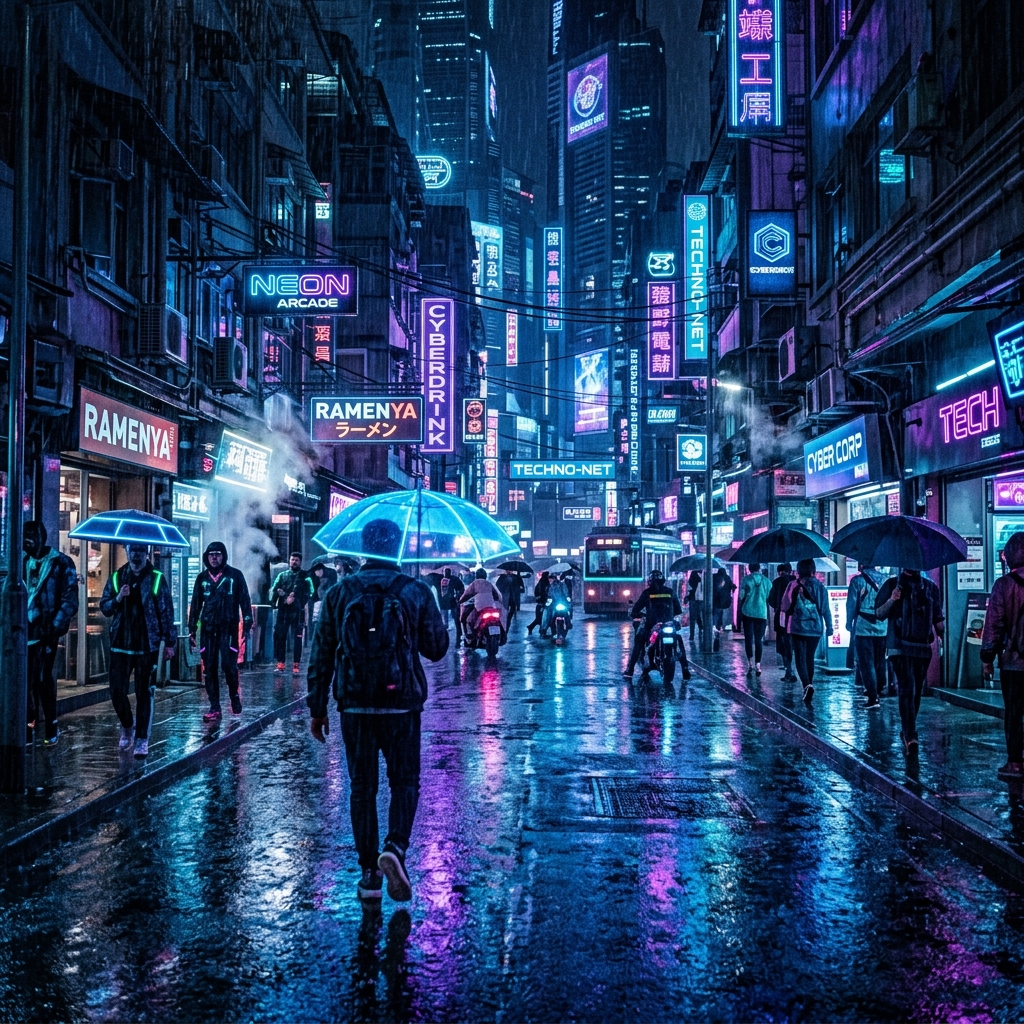

The Ultimate Resource Hub for Creative Editors & Photographers
Welcome to NeonEdit Hub, your premier destination for high-quality, free-to-download digital assets tailored for mobile and desktop video editors, social media creators, and photographers. We curate the web's best assets, from trending CapCut velocity templates and cinematic Midjourney prompt libraries to professional Snapseed QR Looks and high-performance color LUTs.
In today's fast-paced digital landscape, standing out on platforms like TikTok, Instagram Reels, and YouTube Shorts requires eye-catching visuals. Traditional editing assets can be expensive or hidden behind complex paywalls. Our mission is to democratize digital design by offering verified, safe, and direct-access links to premium color-grading filters, automated editing transitions, and state-of-the-art AI generation instructions.
Why Millions of Editors Use Pre-Made Templates & Prompts
Whether you are an amateur creator looking to polish your first video or a seasoned design professional handling client work, pre-configured assets streamline your pipeline. Dynamic speed ramps, such as 3D velocity edits, require hours of keyframing in advanced desktop suites. With our direct-use CapCut links, you can synchronize video clips with trending beats in just three taps.
Similarly, prompting AI art engines like Midjourney v6 or Stable Diffusion XL is an art form. Crafting detailed descriptors for cinematic portraits, cyberpunk street views, or moody landscape shots demands a deep knowledge of camera focal lengths, lighting setups (like volumetric or Rembrandt lighting), and rendering engines. Our copy-paste prompts eliminate the trial-and-error phase, producing high-fidelity outputs on your very first try.
Elevate Color Science with Custom LUTs & Mobile Filters
Color grading defines the mood and narrative of your visual content. By applying our professional Cine LUTs, you can transform flat LOG footage into warm teal and orange blockbusters, nostalgic vintage film, or stark cyberpunk scenes. For mobile-first creators, our Snapseed QR Looks allow you to scan and import complete editing recipe stacks directly into your Snapseed app, utilizing advanced curves and selective exposure adjustments without manual tuning.
All our download packs, preset files, and transition bundles are hosted on secure, high-speed servers like Google Drive, guaranteeing maximum speed and clean files. Keep scrolling to discover our weekly drops and upgrade your digital creative toolkit today!
Frequently Asked Questions (FAQ)
Are all resources on NeonEdit Hub free to download?
Yes, every asset, template link, prompt text, and LUT pack listed on our site is 100% free of charge for personal and promotional usage.
How do I import the Cine LUTs into video editors?
You can import the .cube files into CapCut Mobile (via the 'Filter → Adjust' custom LUT tab), Premiere Pro (in the Lumetri Color panel), or DaVinci Resolve color workspace.
How do Snapseed QR Filters work?
Save the QR Look image from our download page, open Snapseed, click the Edit History stack icon, select 'QR Look', and scan the image using your camera to instantly apply the grading recipe.